Fridge cam video: the fridge POV explained.
Why a camera inside the refrigerator makes a small snack feel like a whole story — and how our tiramisu demos turn that viewpoint into AI-generated fiction.
What is a fridge cam video?
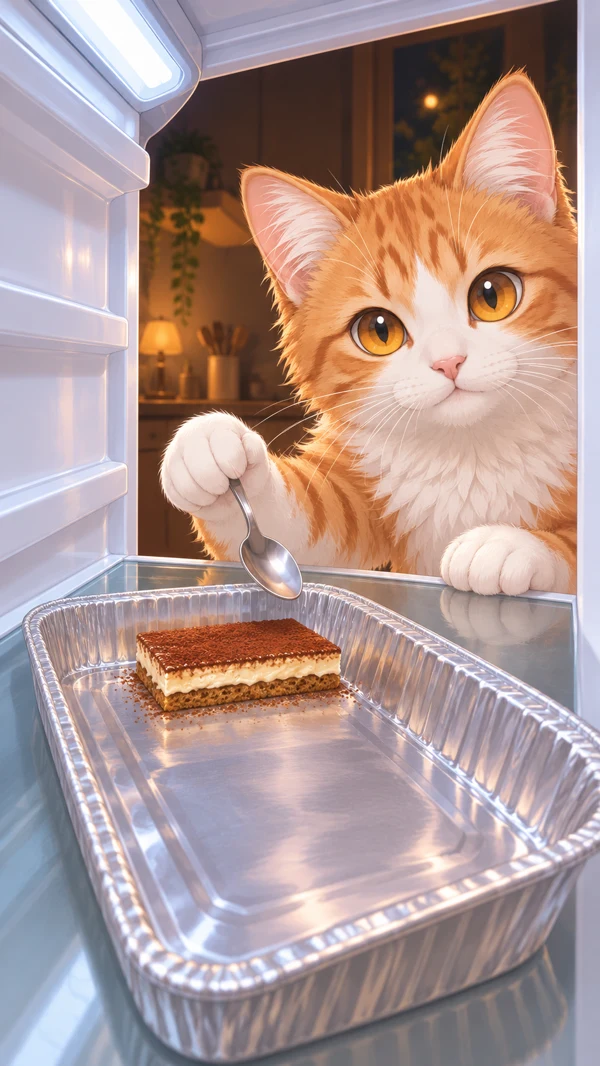
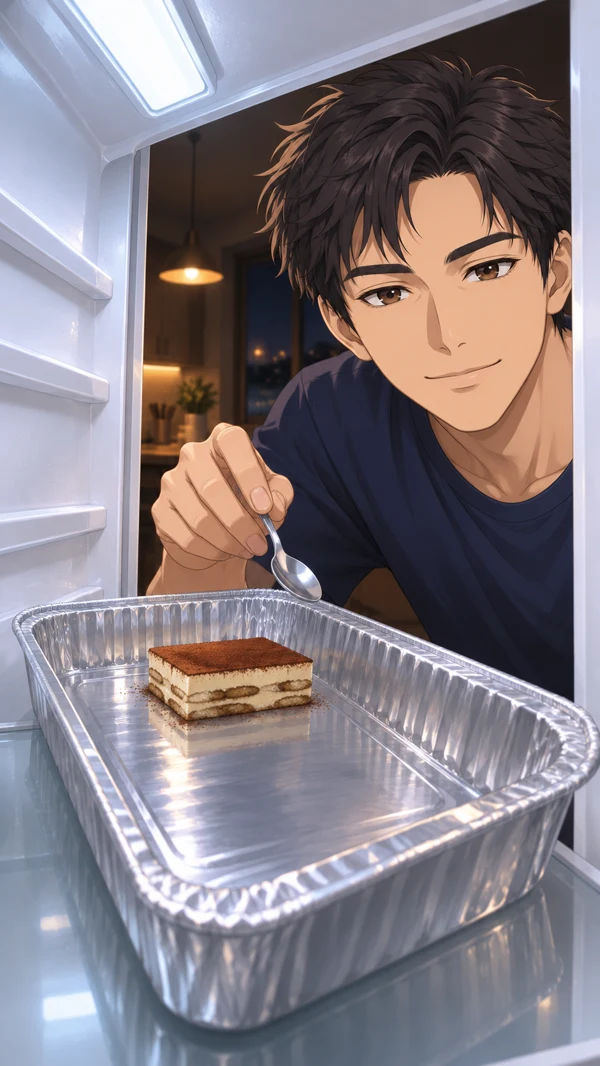
A fridge cam video uses a viewpoint from inside a refrigerator, looking outward through the open door. In a filmed version, the camera records the person reaching inside. In an AI version, the image and motion are generated to imitate that viewpoint. The angle is the same storytelling device, but the AI clip does not document an event that actually happened.
“Fridge POV” means refrigerator point of view. A shelf, door edge or container near the lens gives the viewer a sense of being inside the appliance. The subject is farther away, looking or leaning in. This creates an immediate relationship between the viewer, the snack and the person who has just found it.
How tiramisu fits the fridge drawer setup
A tray of tiramisu gives the scene a visible before-and-after: dessert at the start, an empty tray at the end. That makes it useful for a short fictional snack story. If you are looking for a tiramisu drawer or fridge drawer tiramisu clip, our examples use that combination of dessert, refrigerator framing and a surprised reaction. The actual prop is a tray on a shelf, rather than a drawer filled with food.
This site focuses on AI video examples. It does not provide a tiramisu recipe, recommend food-storage methods or show a real person secretly filmed at a refrigerator. Keeping that distinction clear matters when a generated clip has a photographic look.
Three visual ingredients that make the angle readable
- A fixed viewpoint. Holding the camera inside the fridge lets the audience follow the action without having to understand a new position after every cut.
- A foreground object. A tray near the lens gives the scene depth and a simple visual measure of what changes. Leave enough space to see its surface and edges.
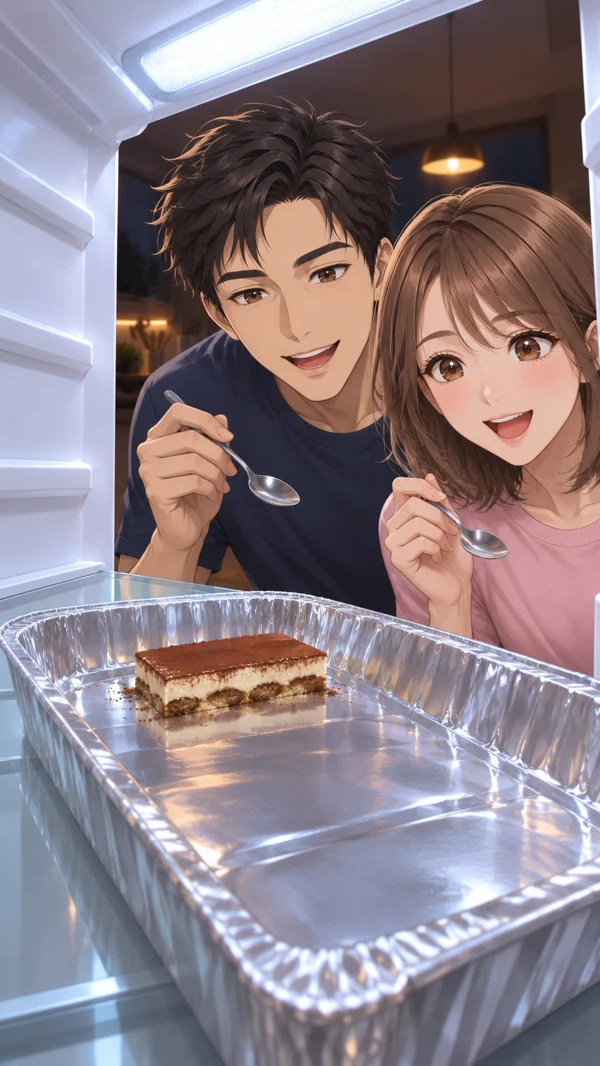
- A visible face. The reaction needs room. Our direction places the camera toward the left and the main face toward the right, with the dessert lower in the frame.
Those choices are creative directions, not rules that every fridge video must follow. A centered face, a wider shot or a slower pace can tell a different story. For our ten-second demos, the compact composition keeps attention on the snack and the final expression.
A ten-second fridge POV story
The opening establishes the character and the dessert. The middle shows the snack disappearing, with a target of finishing around six seconds. The last part holds on the empty tray and the character’s reaction. This leaves time for the joke to register instead of ending immediately after the last bite.
These are approximate story beats. AI generation can miss timing or introduce inconsistent hands, utensils and expressions. The displayed demos were selected and lightly edited for pacing. Exact six-second completion is not a promise for a future customer video.
Choose Solo, Pet or Duo
The Solo tiramisu drawer demo is the clearest introduction: one character, one tray and one reaction. The Pet fridge POV demo applies the same viewpoint to an illustrated cat, keeping the eating action entirely fictional. The Duo fridge drawer tiramisu demo adds a second character and shows why spacing and turn-taking become more important.
You can watch all three without signing in. The pages include the original character references and explain how the clips were made. The references establish the characters; separately prepared opening and ending frames establish the refrigerator scene used for the demos.
How the AI workflow is configured
The customer workflow uses Nano Banana 2 (Google Gemini 3.1 Flash Image) to prepare a scene from an authorized reference, then Kling 2.5 Turbo (Image to Video Pro) to generate a ten-second clip. Both are accessed through Kie.ai. The curated demos also use Kling 2.5 Turbo for video, while their image frames were made separately with OpenAI image generation. Read the model disclosure for that distinction.
Public generation and checkout are currently closed. You can explore the demos and preview a photo locally in the homepage form. A preview selection is not an upload. When service becomes available, account access, credits and content review will govern generation and delivery.
Share the fiction clearly
Keep an AI-generated label with a clip when you share it. Do not use a photographic-looking result to imply that somebody really ate the dessert, endorsed a product or appeared in a recording. Use your own images or authorized material, and obtain permission from every person depicted. For pet scenes, start with an ordinary portrait and leave the snack action imaginary.
The goal is a short, readable piece of entertainment. A good fridge POV gives the viewer enough context to follow the joke, while a clear AI disclosure lets them enjoy it without mistaking the scene for evidence of a real event.